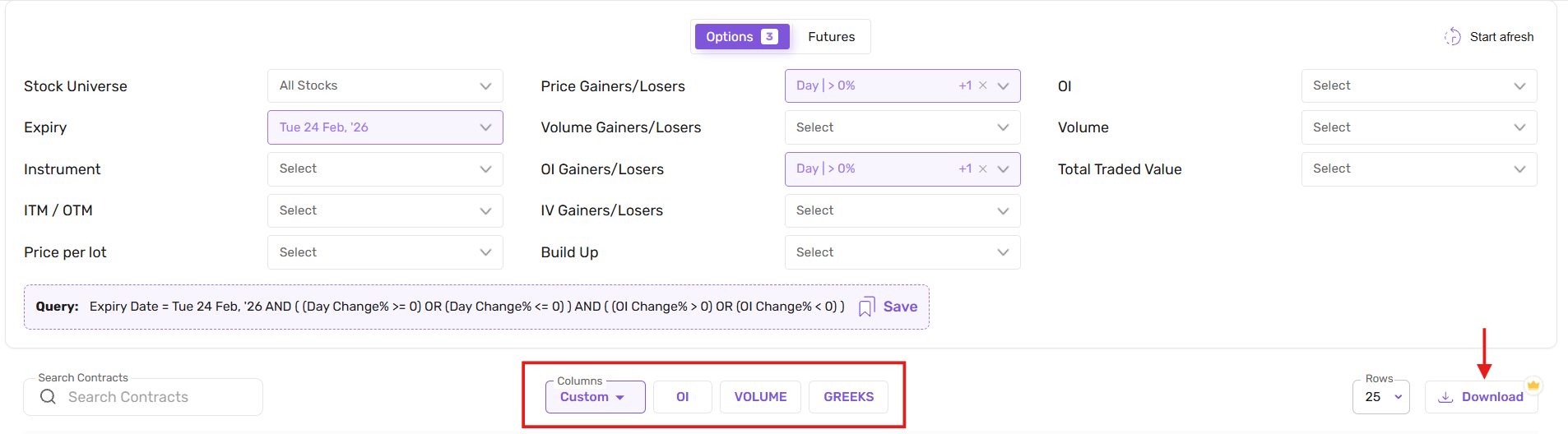
After selecting filters, you can customize the column headers displayed in the results table using the custom column dropdown. This allows you to choose which data points you want to view for the filtered contracts.
In addition, there are three pre-built column views available:
OI (Open Interest) view
Volume view
Greeks view
You can switch between these predefined views to quickly analyse specific data sets.
You can also download the filtered results using the Download button to export the data for further analysis.