Optimise Your Strategy
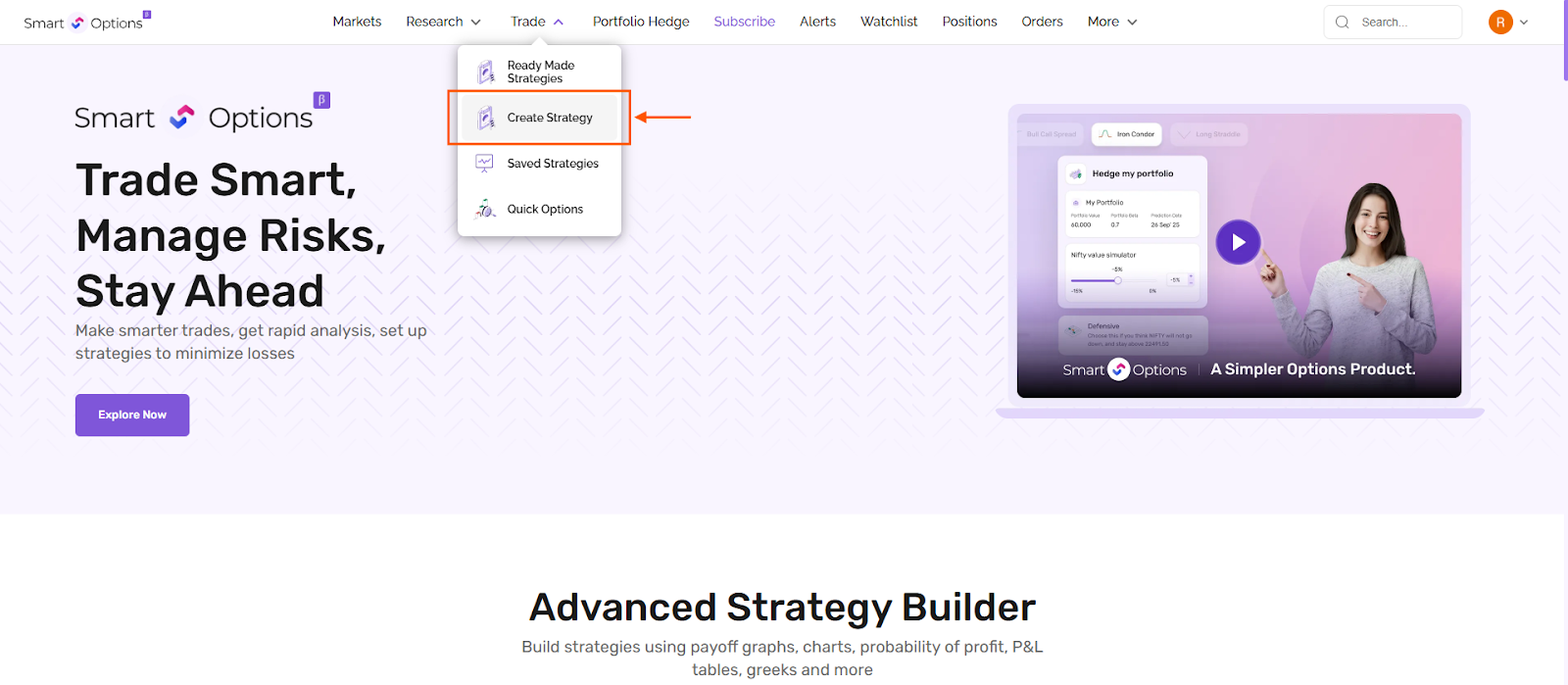
You can access this feature by hovering over on the ''Trade'' option and selecting Create Strategy, as shown in the image below.
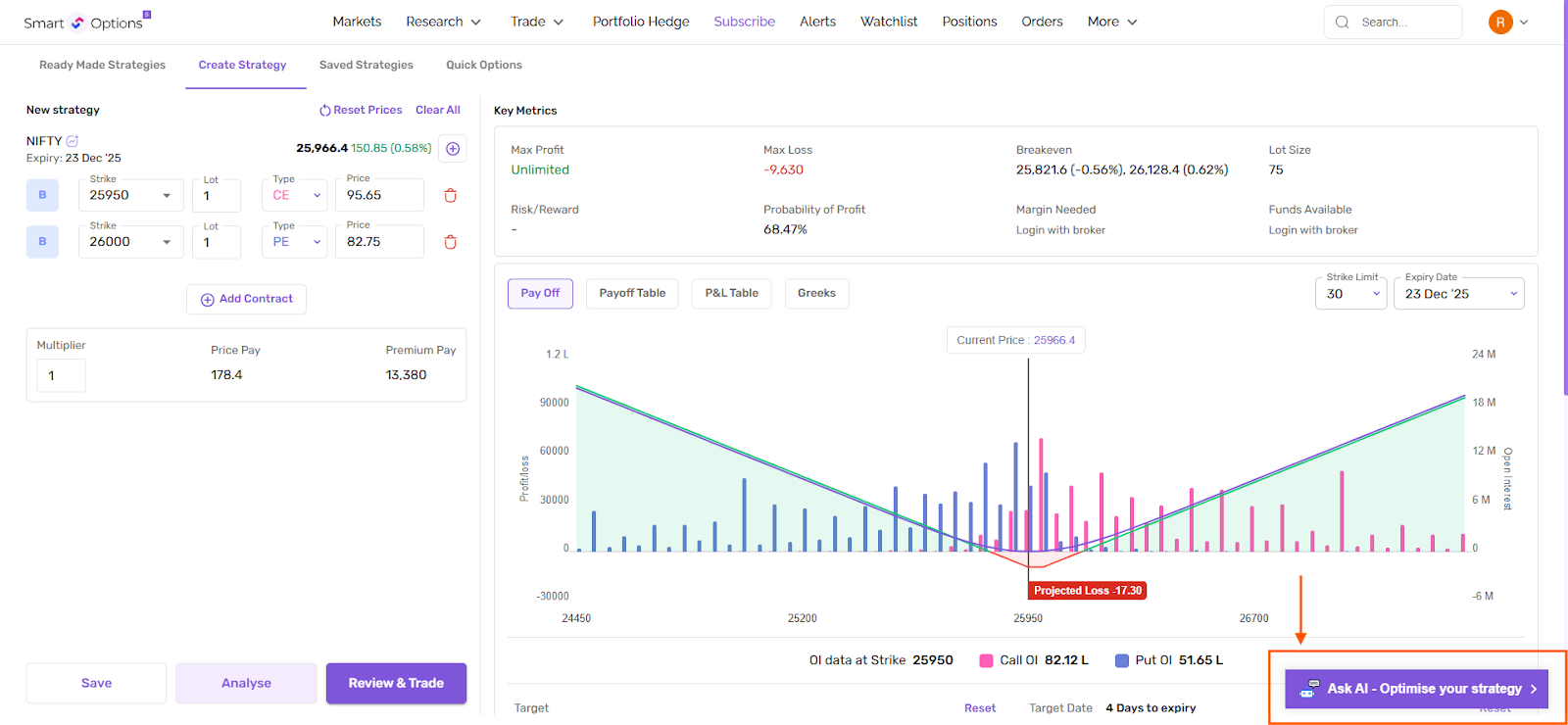
After adding contracts (legs), click on Ask AI on the Create Strategy page.
The AI reviews your existing strategy and helps you refine it.
You can ask the AI to explain how the strategy works or request suggestions to adjust it, such as modifying legs or quantities to improve potential outcomes.
Let's ask AI to increase the profit potential.
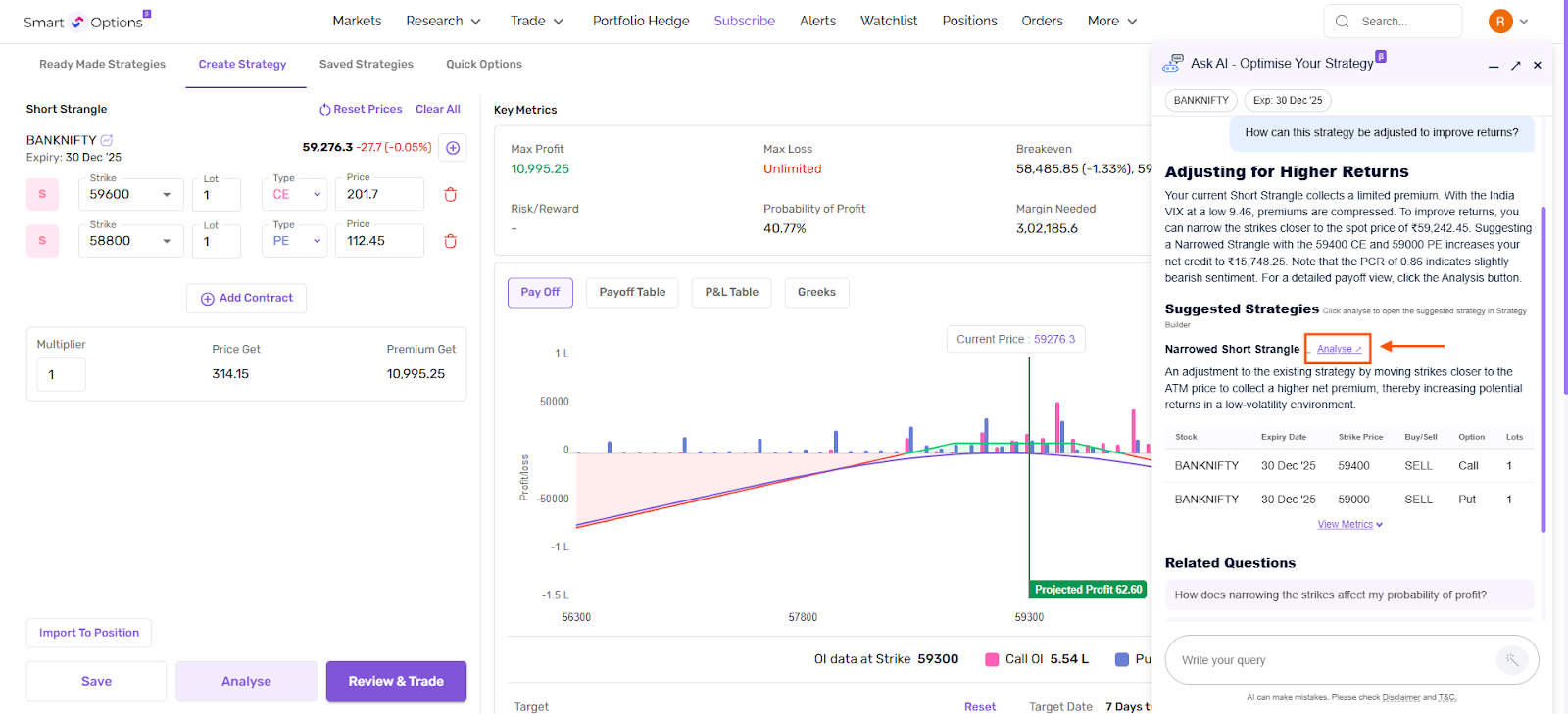
When the AI recommends a modified strategy, it also provides an Analyze link. Clicking this link opens the suggested strategy directly in the Strategy Builder. You can then review the payoff, compare it with your current strategy, and place the trade.
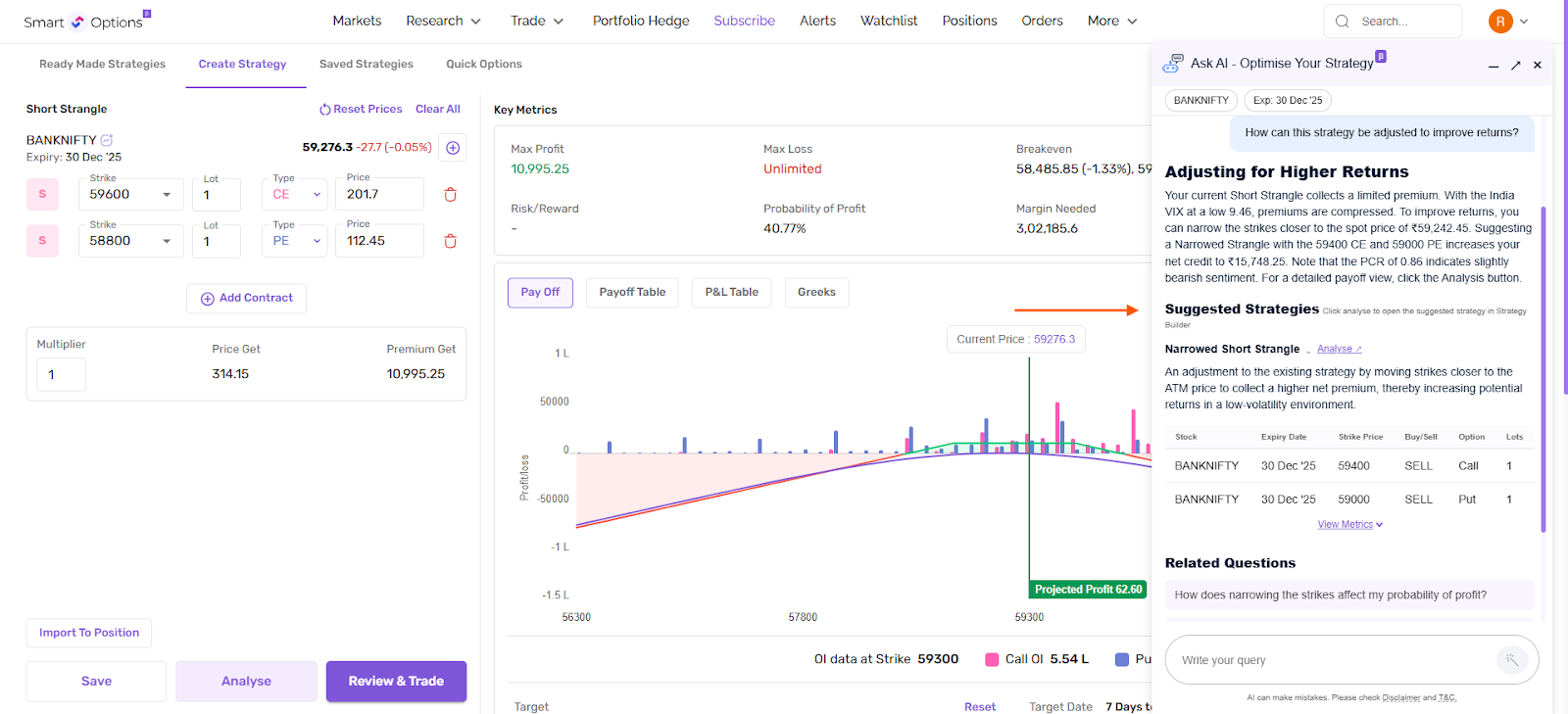
The AI also shows key metrics such as profit potential and risk exposure. This makes it easier to compare options and make informed decisions.
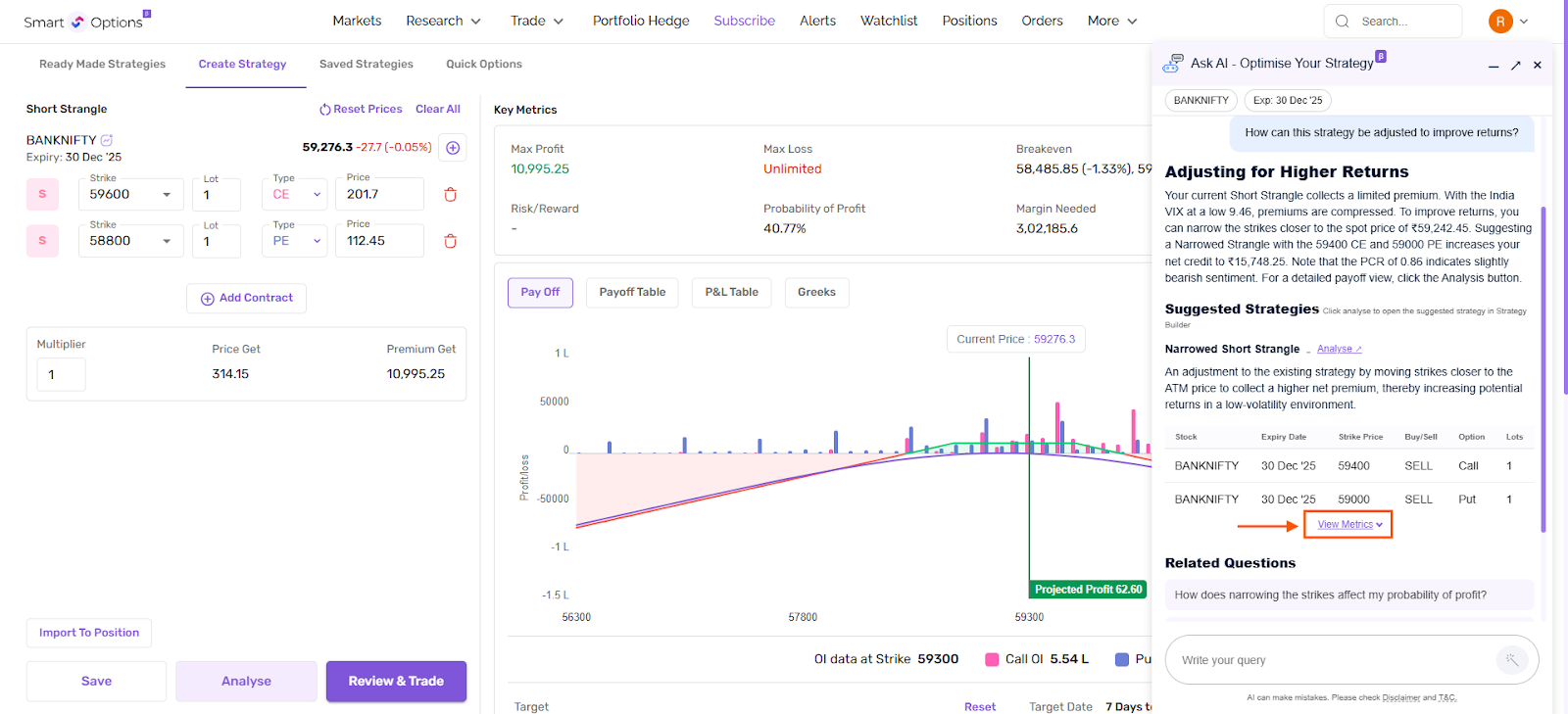
Below the response, you may also see related questions. These help you explore different scenarios.